Quest: turning the friction of group travel into a product
An independent trip-planning application built from idea to a live, usable product.
Live · my own app
My role
Product definition, design, AI-assisted development, integrations, testing and launch
Environment
Independent · responsive web app for desktop and mobile
Scope
Concept to live product
Year
2026
Tools
Claude Code, Supabase, Sentry, Location-based weather API
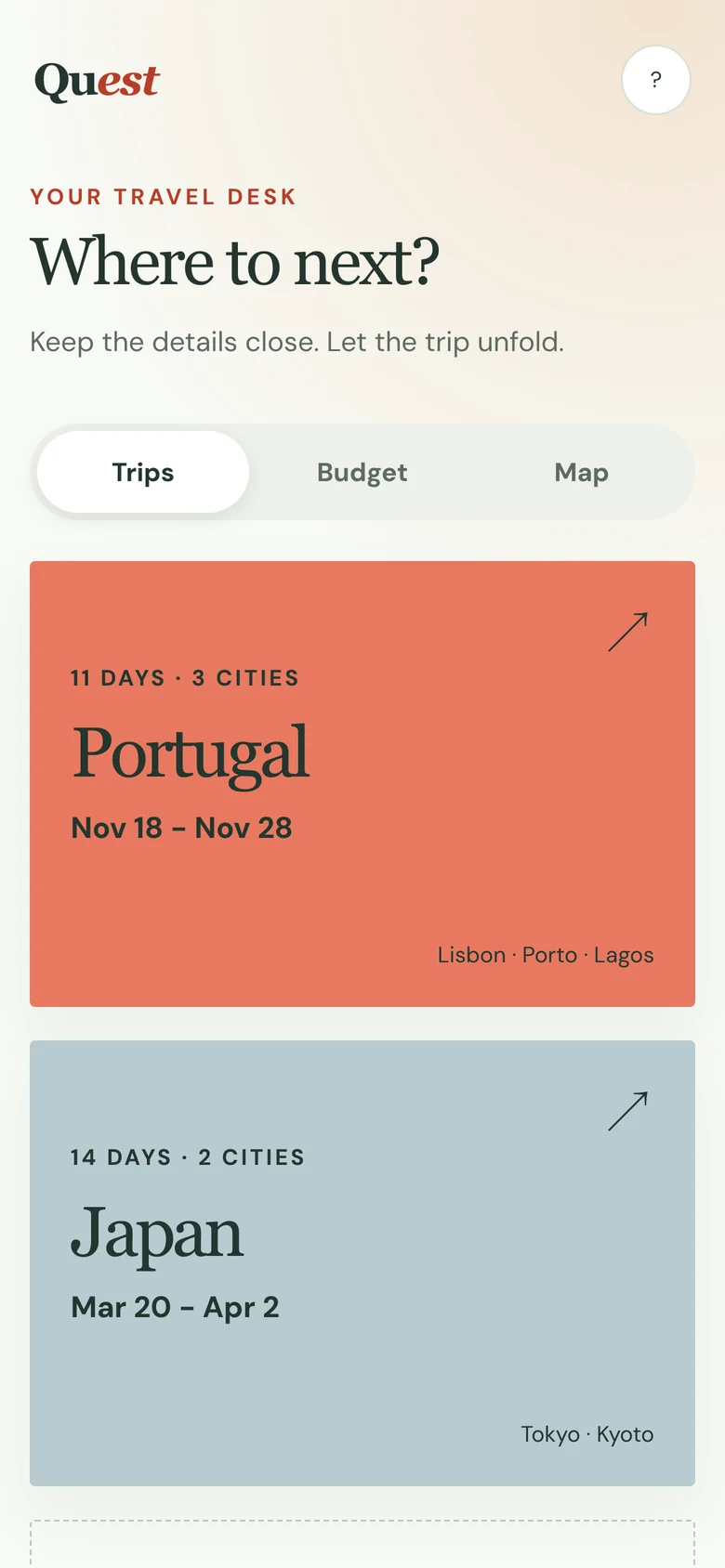
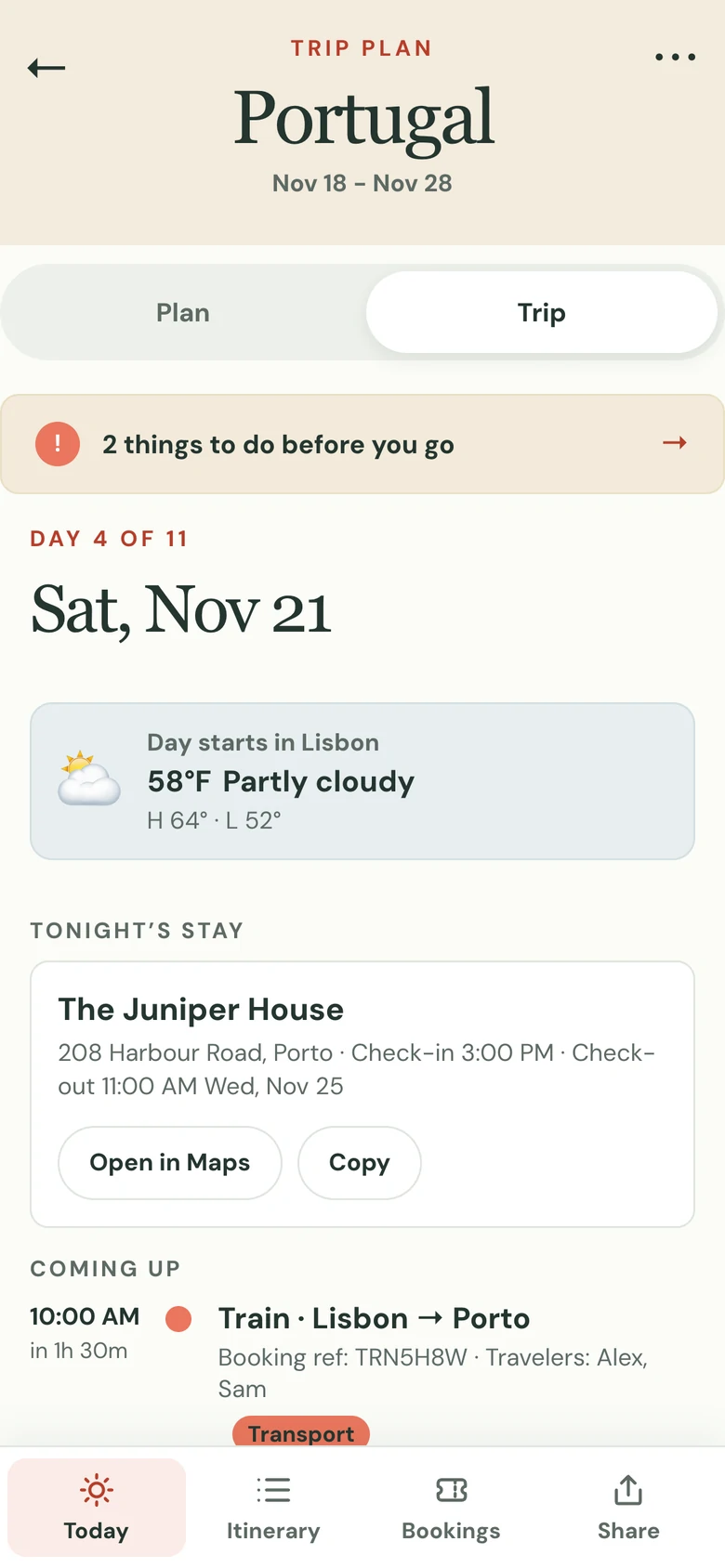
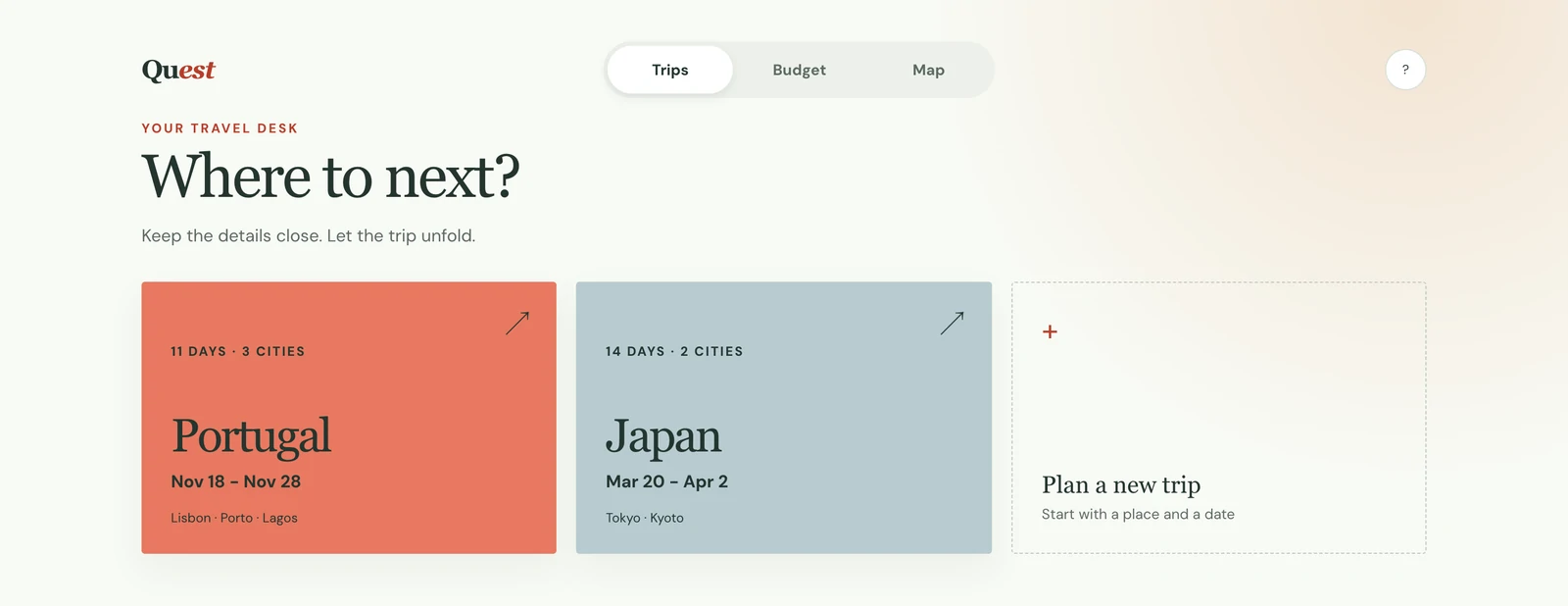
Trip overviewTrip Mode: Today
The problem
Group trips tend to fall apart in the details: bookings scattered across inboxes and message threads, half-finished spreadsheets, and friends who don’t all speak the same language. Existing tools I tried felt either too manual or too visually heavy for the way I wanted to plan. I wanted something straightforward and spreadsheet-clear, but with a considered interface.
The product
Quest started as the tool that keeps all of those details in one calm place. It’s designed around the way people actually plan and take trips together: organize the route and nights, keep bookings and activities close, understand shared costs, and find the next useful detail while traveling.
That’s also why it speaks both English and Spanish, and why every amount is in US dollars: the simplest common ground for people traveling across borders.
Plan
Route and stops
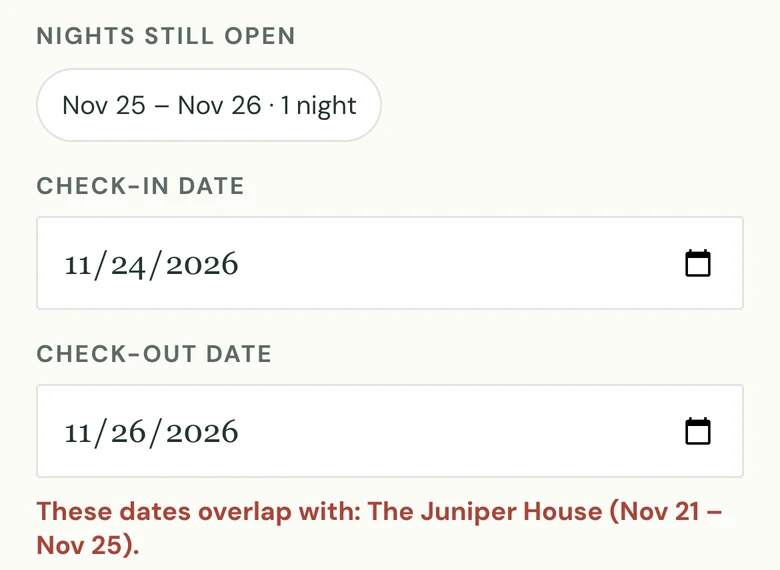
Stays, with open-night and overlap warnings
Transport details
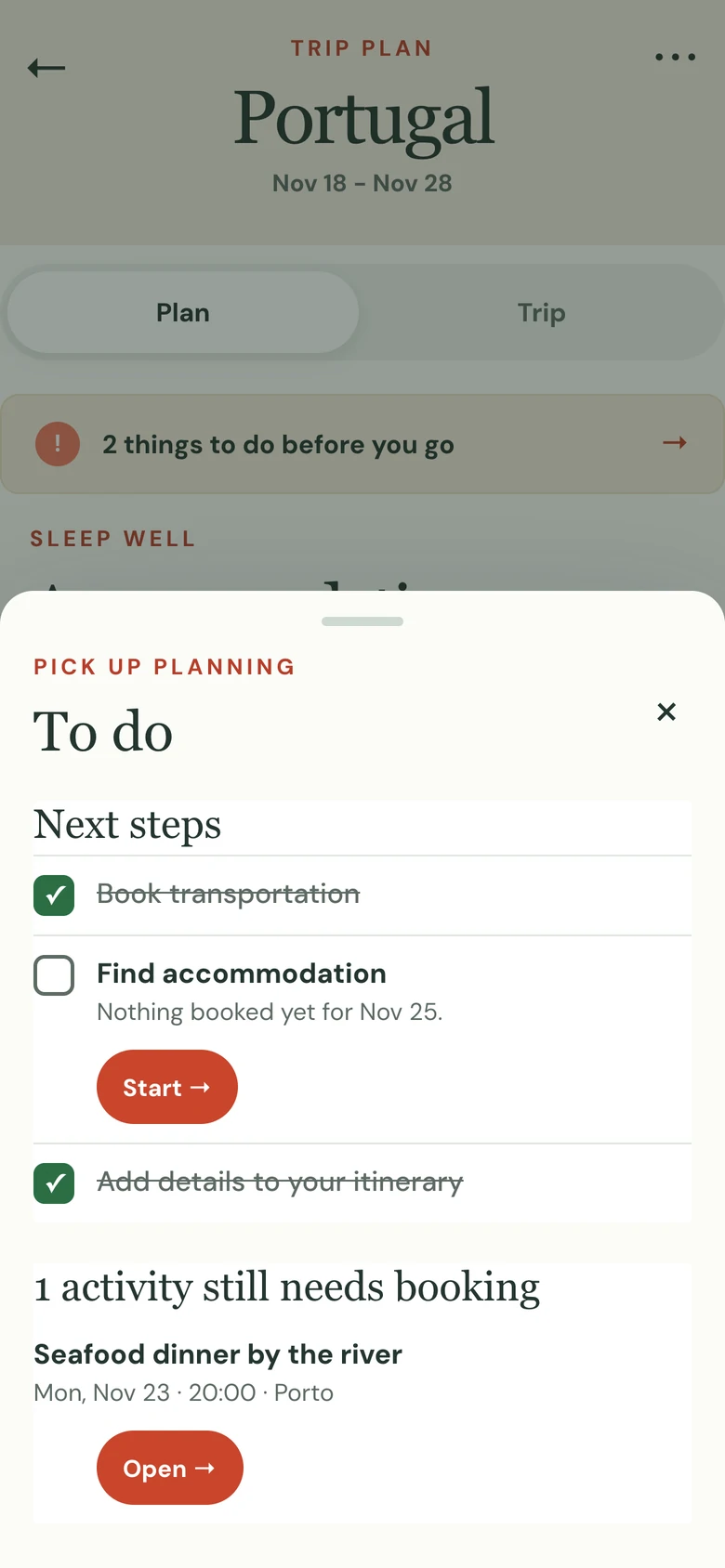
Trip checklist
Activities by category
Budget
Trip Mode
Today
Itinerary
Bookings
Share (itinerary PDF)
Together
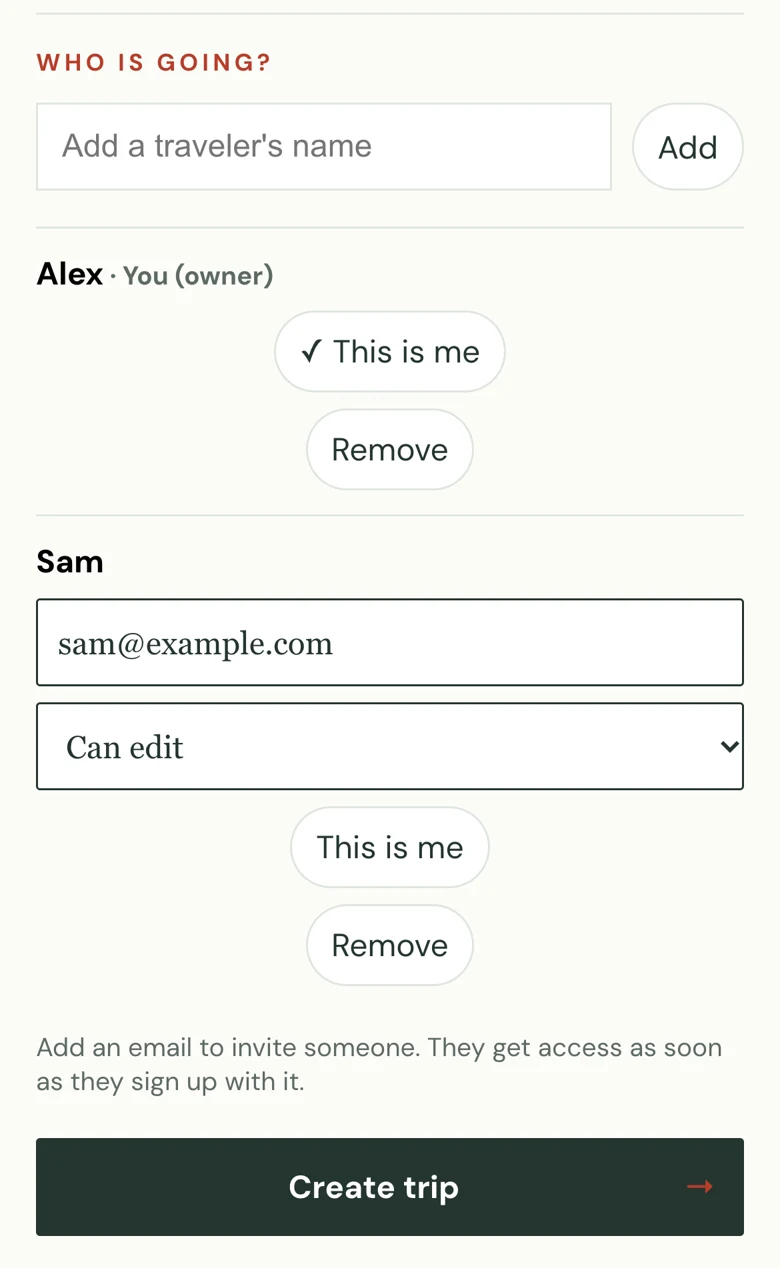
Invite travelers, with edit or view-only access
Shared expenses
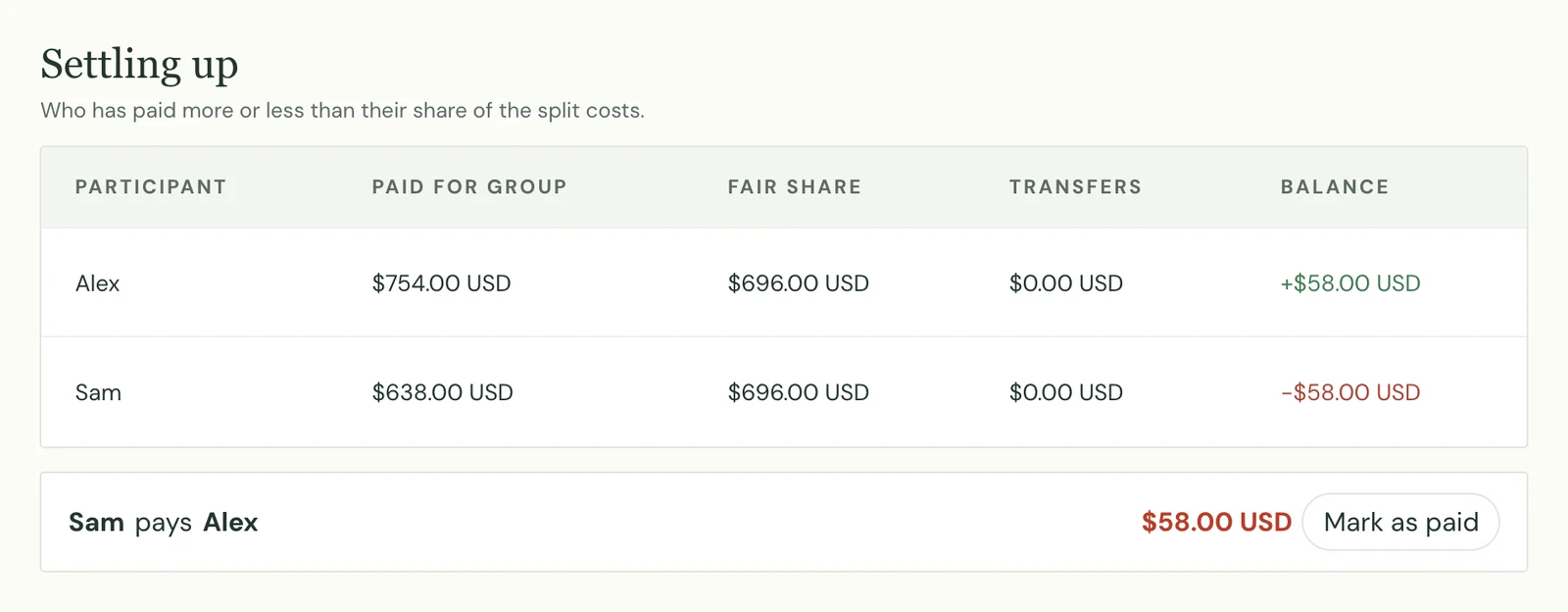
Settling up
Quest product map
Planning
Stays: open nights and overlaps are flaggedChecklist of missing details
On the road
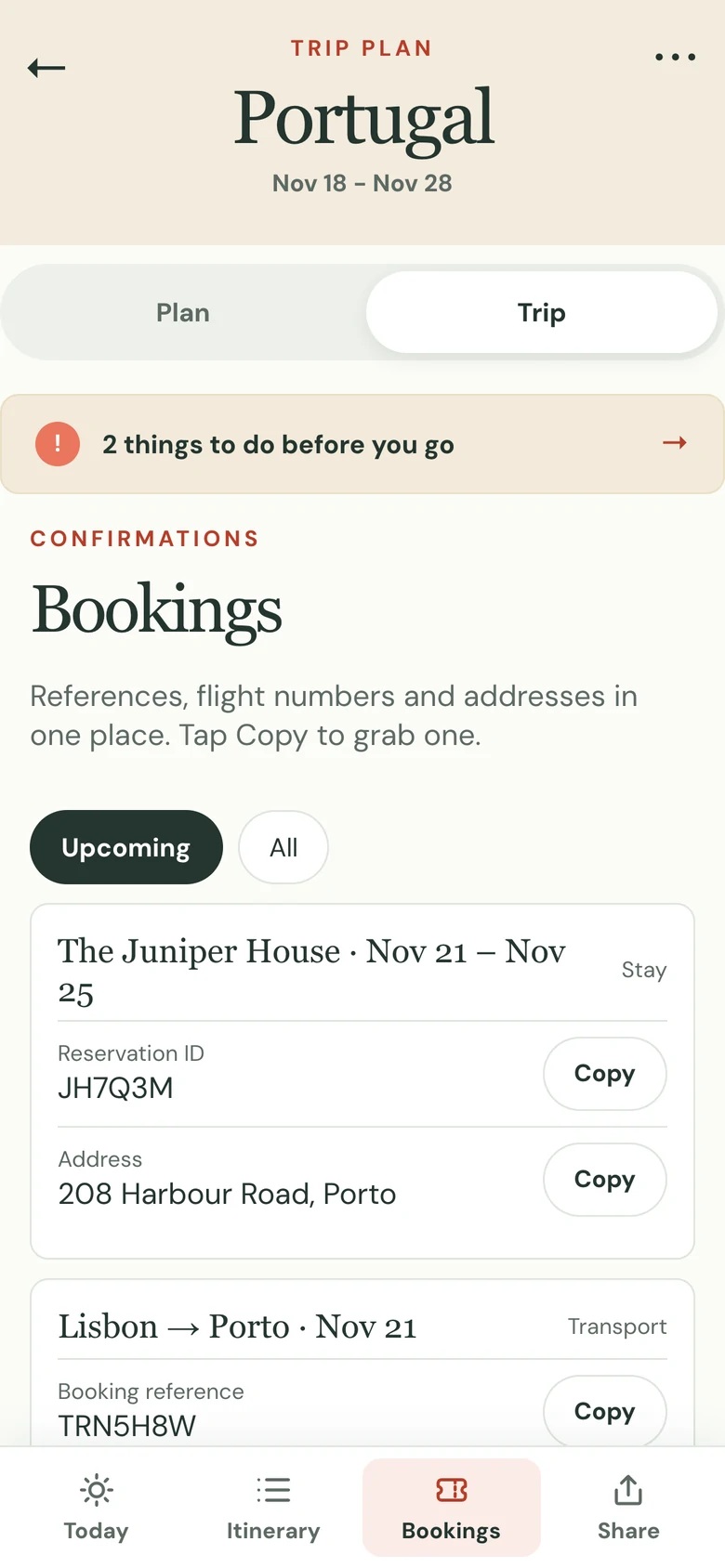
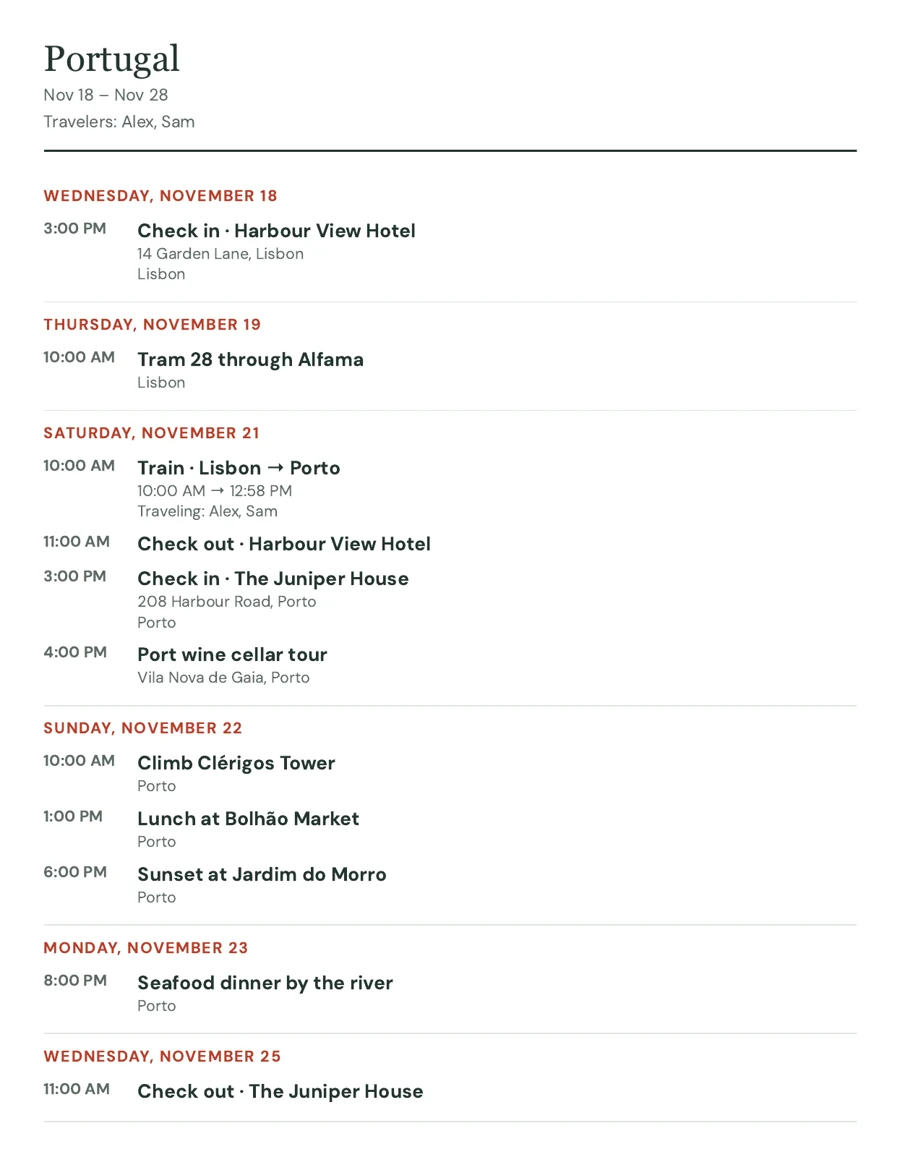
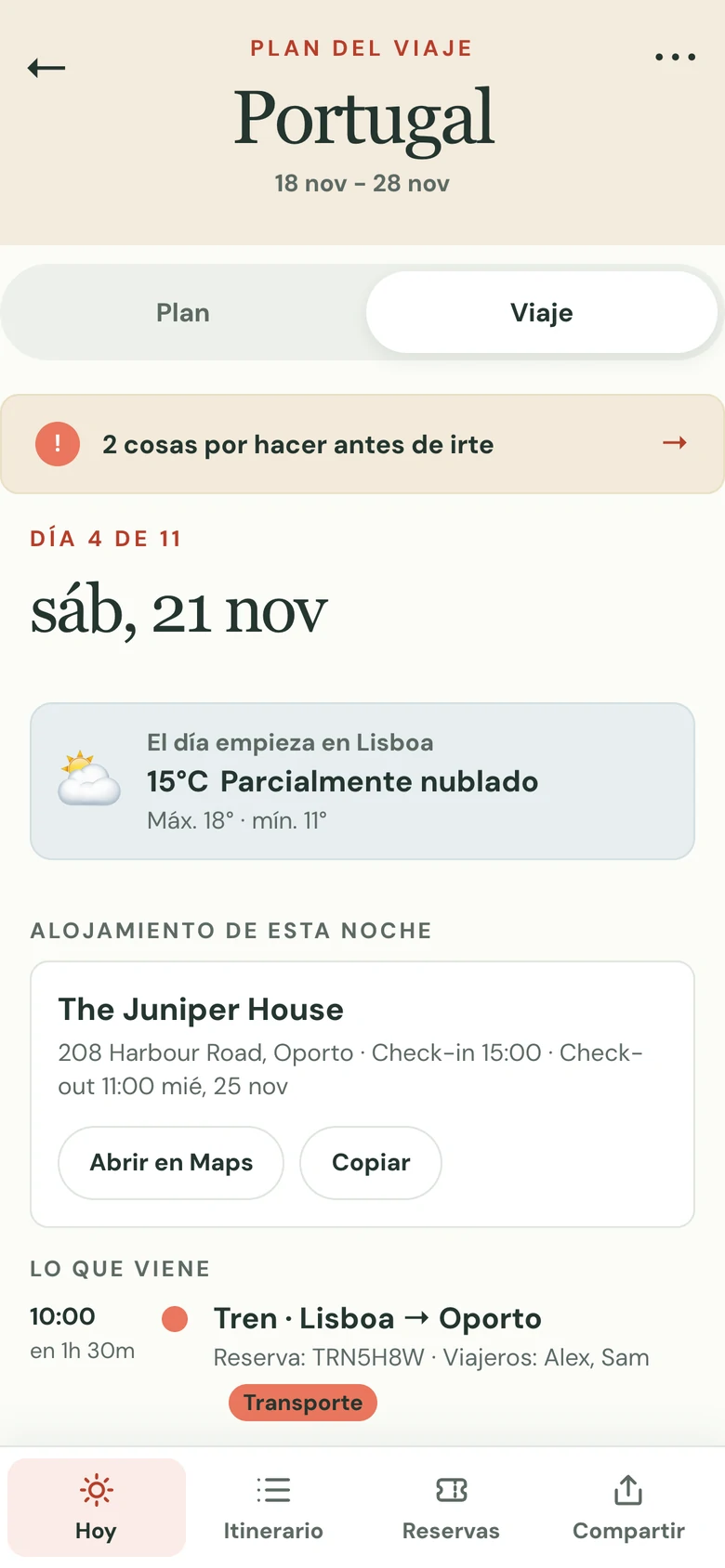
Trip Mode puts the next useful detail first: today’s plan, the itinerary, bookings with their reference details, and a shareable itinerary PDF.
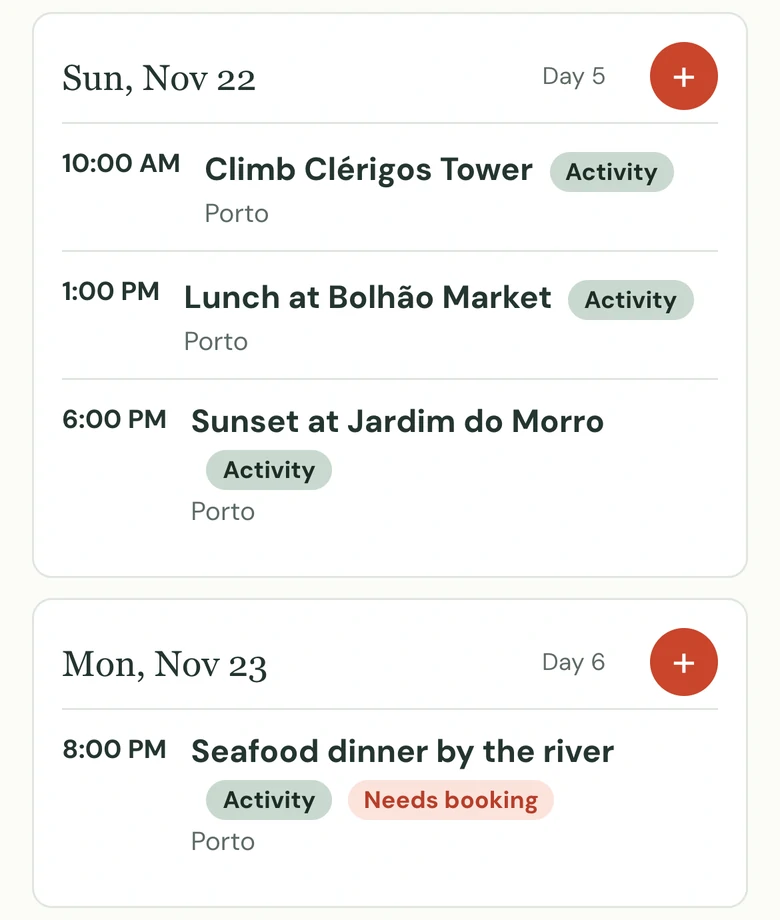
Day itineraryBookingsShare the itinerary
Traveling together
Invite travelersSettling up, on desktop
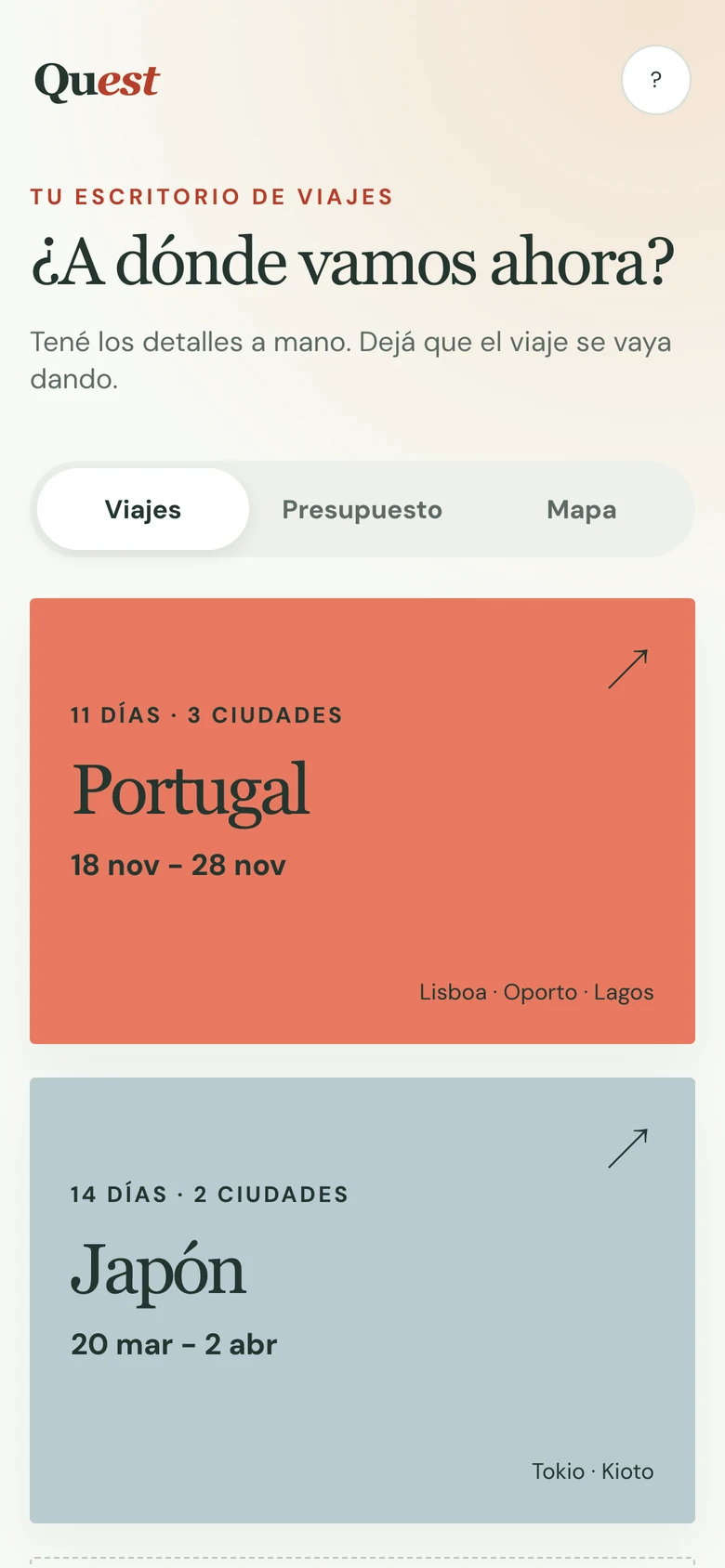
English and Spanish
Trip overview in SpanishToday, in Spanish
How I built it
I took Quest from concept through product definition, design, development, integrations, testing and deployment. I used Claude Code as part of the development process, connected the product to Supabase, integrated Sentry for error logging, and added a location-based weather API. I stayed responsible for the product decisions and the end-to-end direction.
01Problem
02Product concept
03Design and definition
04AI-assisted development
05Integrations
06Testing
07Live product
Where it is now
Quest is live and has been tested with a small group of real users: four users and testers so far. That’s early validation, not evidence of product-market fit or scaled adoption. It’s a chance to watch how the product behaves in real trip planning and keep refining it.